

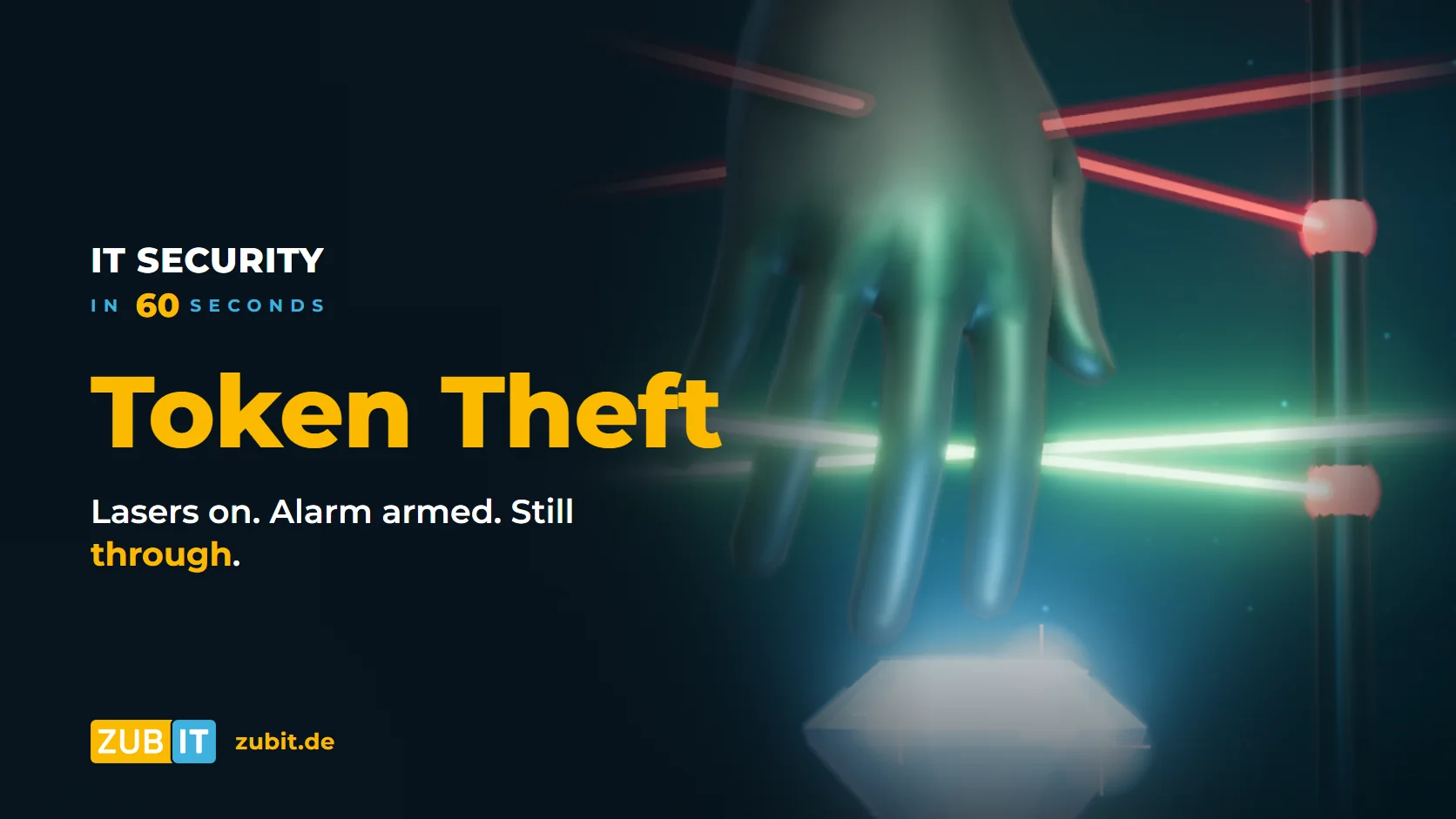
Lasers on. Camera on. Alarm armed. And still the thief gets all the way to the diamond.
He does not have to break anything. He is wearing a valid visitor wristband – it is just a copy. This is exactly how many attacks on company accounts in Microsoft 365 work today: the attacker knows neither the password nor has the phone for multi-factor authentication. They have a copy of the sign-in.
In short: What is a sign-in token?
When you sign in to Microsoft 365 with your password and MFA, your device receives a sign-in token. It works like a visitor wristband: as long as it is valid, nobody asks for the password or MFA again. Anyone with a copy of this token counts as already signed in to Microsoft.
How attackers copy the sign-in
The tool for this is called an infostealer: malware that sneaks in through an email attachment, fake software or a private computer, for example, and grabs passwords, cookies and sign-in tokens stored there. The loot is sold or used directly.
The attacker uses the copy on their own device and is in – without a password, without MFA. After all, the token already records the MFA check as done. In the sign-in logs this looks inconspicuous: a successful sign-in, just from an unfamiliar device.
What helps
No single tool solves this on its own. Three layers work together:
1. Bind the sign-in to the company device
With token protection in Microsoft Entra Conditional Access, Microsoft only accepts sign-in tokens for Exchange Online, SharePoint Online and Teams that are cryptographically bound to the registered device. A copy is worthless on another device. This applies to the desktop apps on Windows and to managed Macs, iPhones and iPads.
Two additions are important:
- A second rule that blocks access from unknown platforms. Otherwise the attacker simply switches to another operating system.
- Token protection does not yet cover browser sessions. For those, there are network-based rules, such as a compliant network via Global Secure Access. More on this in our article VPN vs. Zero Trust.
How Conditional Access rules work in general is explained in our article Conditional Access in Microsoft 365.
2. Detect suspicious sign-ins and revoke sessions
Microsoft Entra can detect unusual sign-ins, for example a token that is suddenly used from a different location or device. Changing the password is not enough then: the copied session would keep running. Instead, all sessions of the account are revoked.
Good to know: revoking does not take effect everywhere immediately
“Revoke sessions” invalidates the long-lived refresh tokens. Access tokens that have already been issued can stay valid for up to about an hour. Thanks to continuous access evaluation, Exchange Online, SharePoint Online and Teams react almost immediately. That is why revoking belongs in a practised emergency procedure, not at the end of a long search.
3. Do not let infostealers run in the first place
Best of all, the token never gets copied. That means Microsoft Defender on all devices, only approved software and no administrator rights for everyday work. Private computers where nobody controls the protection should not access company data.
Checklist for your business
- Is token protection set up for Exchange Online, SharePoint Online and Teams?
- Does a second rule block access from unknown platforms?
- Is browser access additionally secured, for example via a compliant network?
- Are suspicious sign-ins reported, and is it clear who then revokes the sessions?
- Is Microsoft Defender running on all devices, and is only approved software allowed?
Conclusion
Passwords and MFA remain important, but they only protect the moment of sign-in. After that, what matters is whether a copied sign-in works somewhere else. With device binding, detection of suspicious sign-ins and protection against infostealers, the diamond stays where it is.
Microsoft 365 at zubIT
Secure your sign-ins against token theft
As a Microsoft Solutions Partner, we secure the sign-ins in your business against copied tokens – including binding sign-ins to company devices, detecting suspicious sign-ins and protecting against infostealers with Microsoft Defender.
More from the series “IT Security in 60 Seconds”
- Conditional Access in Microsoft 365: When a Sign-in from Singapore Just Goes Through
- A Firewall Is Not Enough: Why IT Security Today Needs Many Layers
- Shadow AI in the Workplace: When the Customer List Ends Up in an AI Tool
- Emergency Access for Microsoft 365: How to Set Up a Break-Glass Account Properly
- Network Segmentation: One Domino May Fall. The Company Must Not.
- VPN vs. Zero Trust: Why Your VPN Opens the Entire Network
FAQ: Common questions about token theft
How can attackers bypass MFA?
A common method is stealing the sign-in token. After a successful sign-in with password and MFA, the device receives a token. If an infostealer copies this token, the attacker can use it on their own device without a password and without another MFA prompt.
What is an infostealer?
An infostealer is malware that grabs passwords, cookies and sign-in tokens stored on a computer and passes them on to attackers. It often gets in through email attachments, fake software or private devices.
What is token protection in Microsoft Entra?
Token protection is a setting in Conditional Access. Microsoft then only accepts sign-in tokens for Exchange Online, SharePoint Online and Teams that are bound to the registered device. It applies to desktop apps and managed Apple devices; it does not yet cover browser sessions.
Is it enough to change the password after an incident?
No. A copied session keeps running even after a password change. All sessions of the account must also be revoked. Access tokens that were already issued can remain valid for up to about an hour afterwards; Exchange Online, SharePoint Online and Teams react almost immediately.