

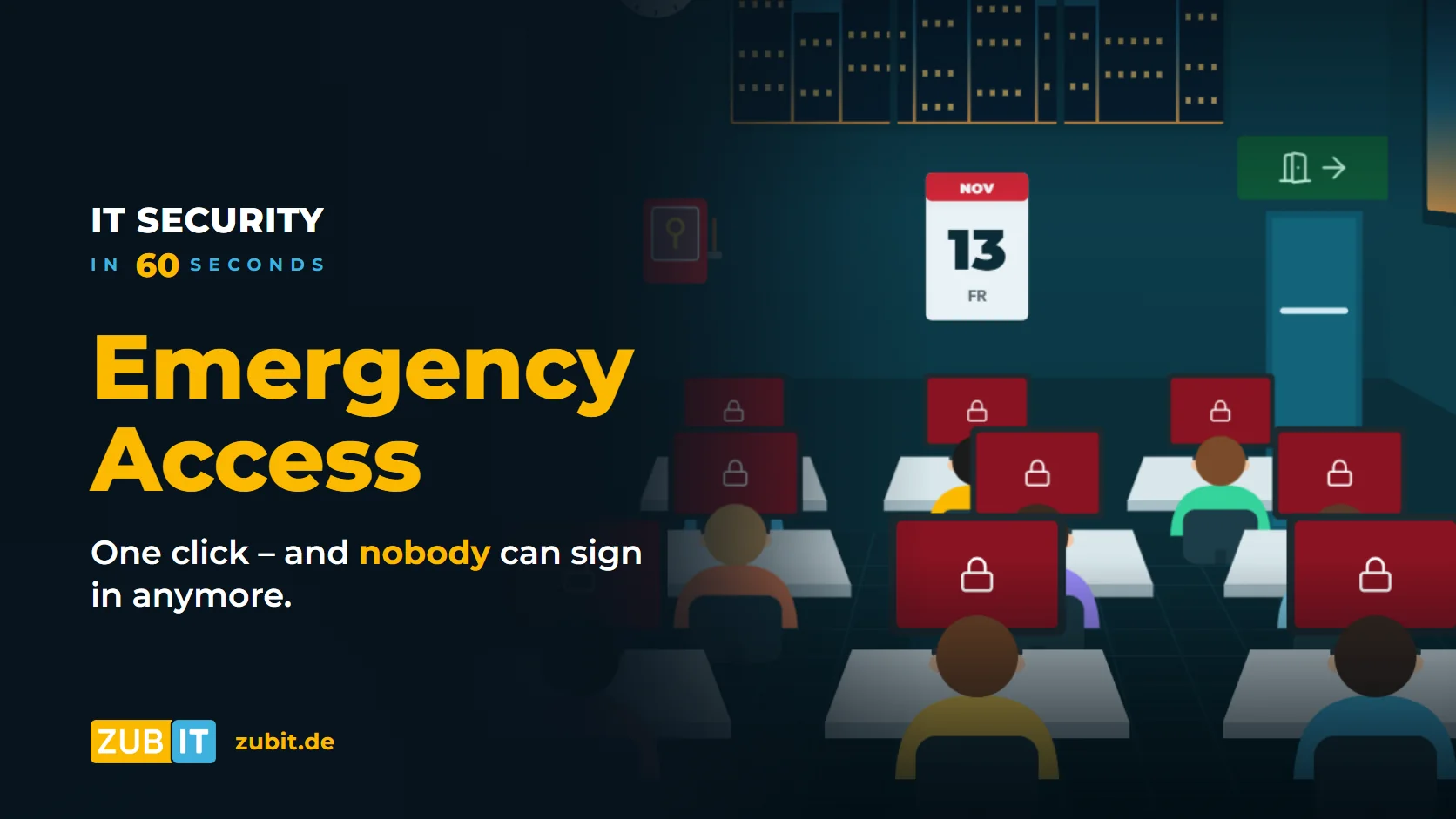
Friday, 4:58 p.m. A new security rule is enabled for all users. One click later, nobody can sign in to Microsoft 365 anymore – not even the administrators.
This happens more often than you might think. Conditional Access is a very powerful tool, powerful enough to lock yourself out. Then the only way back is Microsoft support: prove your identity, explain the case, wait. That can take days during which nobody can work.
In short: What is emergency access?
An emergency access account (also called a break-glass account) is an administrator account that is only used in a real emergency – like a fire alarm behind glass: break the glass only when there is a fire. It is excluded from the normal sign-in rules so that a faulty rule can never lock it out.
How you lock yourself out of Microsoft 365
A lockout rarely has just one cause. Typical triggers are:
- A Conditional Access policy for all users without exceptions, such as “compliant devices only”, before the devices are set up.
- The only administrator loses their phone with the Authenticator app or leaves the company.
- An outage of the MFA service or a connected identity provider.
In all cases: without a second, independent way in, the company depends on Microsoft support.
How to set up emergency access properly
Microsoft recommends emergency access accounts for every Microsoft 365 environment. Here is what matters:
Two accounts, cloud only
Create at least two emergency access accounts. They exist only in the cloud, use the “…onmicrosoft.com” domain, are not assigned to any person and are not connected to your on-premises Active Directory. That way they still work if your own domain or directory synchronisation has a problem.
Excluded from the rules
The emergency accounts are excluded from the Conditional Access policies. This is the only way to make sure a faulty rule does not lock them out. They are permanently assigned the Global Administrator role.
With a hardware key in the safe
Excluded from the rules does not mean unprotected. Microsoft now requires MFA for its admin portals anyway. Phishing-resistant hardware security keys (FIDO2) that are not tied to a personal phone are well suited for emergency accounts. Keys and passwords are kept separately in the safe.
An alert for every sign-in
Emergency accounts are never used day to day. That is why every sign-in immediately triggers an alert, for example by email and push notification to the people responsible. Misuse is noticed right away.
Test every three months
You check the emergency exit beforehand, not when the building is on fire. Test sign-in with the emergency accounts regularly – Microsoft recommends at least every 90 days – and check that the alert arrives.
Important: Emergency access before the first rule
Emergency access belongs at the start of every Conditional Access project. Only once it is set up and tested should rules such as “Germany only” or “company devices only” be enabled. Learn more in our article Conditional Access in Microsoft 365.
Checklist for your emergency access
- At least two emergency accounts, cloud only, with an “…onmicrosoft.com” address
- Not assigned to any person, permanently Global Administrator
- Excluded from all Conditional Access policies
- Secured with a FIDO2 hardware key, key and password stored separately in the safe
- Alert on every sign-in
- Tested at least every three months, documented
Conclusion
Emergency access takes an hour to set up and a few minutes of testing per quarter. Without it, a single wrong rule can lock the entire company out for days. You check the emergency exit beforehand – not when the building is on fire.
Microsoft 365 at zubIT
Get emergency access set up properly
As a Microsoft Solutions Partner, we set up your emergency access accounts – including hardware keys, an alert for every sign-in and regular testing.
More from the series “IT Security in 60 Seconds”
FAQ: Common questions about emergency access
What is a break-glass account?
A break-glass account is an emergency administrator account for Microsoft 365 and Microsoft Entra ID. It is only used in a real emergency, for example when a faulty Conditional Access policy locks out all other accounts.
How many emergency access accounts do you need?
Microsoft recommends at least two emergency access accounts. They exist only in the cloud, are not assigned to any person and are excluded from Conditional Access policies.
Do emergency access accounts need MFA?
Yes. Microsoft requires MFA for its admin portals. Phishing-resistant FIDO2 hardware keys that are stored safely and not tied to a personal phone are well suited for emergency accounts.
How often should emergency access be tested?
Microsoft recommends testing emergency access accounts at least every 90 days. You should also check that the sign-in alert arrives reliably.