

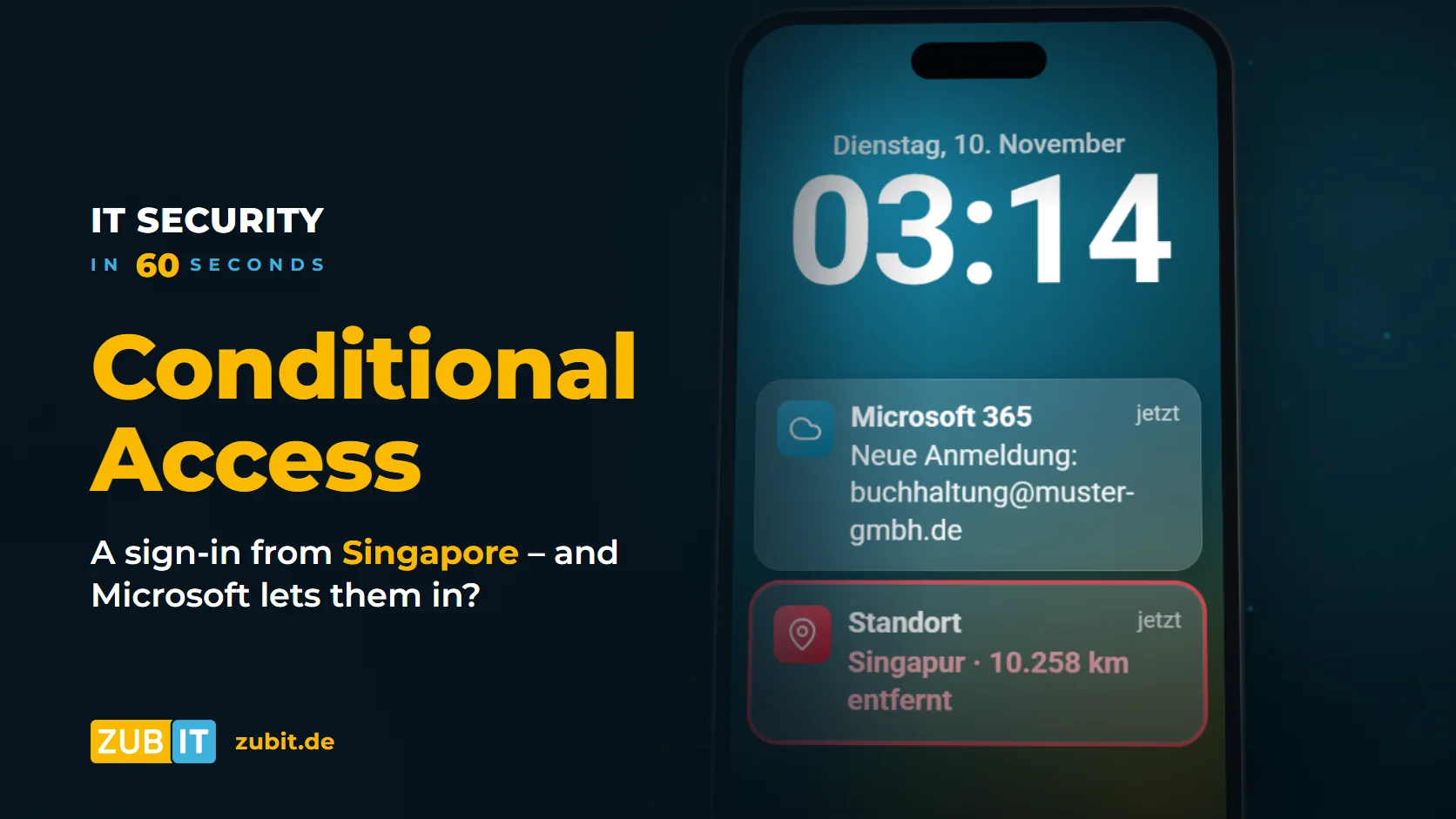
3:14 a.m. Someone signs in with your accounting team’s password – from Singapore. And Microsoft 365 lets them in.
This is not an attack on Microsoft. The cloud itself is well protected. The problem is your own Microsoft 365 environment, the so-called tenant. Out of the box, it is above all one thing: open. Anyone with the right password gets in – from any country, on any device, with any app.
In short: What is Conditional Access?
Conditional Access is a set of rules in Microsoft Entra ID, the user directory behind Microsoft 365. With every sign-in, it checks who is signing in, from where, on which device and whether multi-factor authentication (MFA) was completed. A policy then decides: allow, require additional verification or block.
Why a stolen password is often enough
Credentials are rarely lost in a spectacular hack today. Usually there is a phishing email, malware on a private computer or a password that was reused for another service. These credentials are traded and tried out automatically.
Without additional rules, Microsoft 365 only sees: username correct, password correct. The fact that your accounting team is based in Germany and has never worked from Singapore does not matter. This is exactly where Conditional Access comes in.
How Conditional Access works
A policy always consists of a condition and a decision, similar to an if-then rule:
- Who? Specific users, groups or roles, for example all employees or only administrators.
- From where? The country or IP range of the sign-in, such as “Germany only”.
- On which device? A managed company device or any computer.
- For which application? For example Exchange Online, SharePoint or all cloud apps.
If the conditions apply, the decision takes effect: allow access, require MFA, require a compliant device or block access.
Three rules that are enough for most businesses
Small and medium-sized businesses do not need a complicated rule set. These three policies provide most of the protection:
1. Sign-ins from your own country only
Define the countries from which your employees may sign in, for example Germany and the countries where you regularly work. All other sign-ins are blocked. For business trips, you can set up an exception for individual people and a fixed period.
2. Access from company devices only
Only people using a managed and protected device may access company data. The devices are managed with Microsoft Intune and are only considered “compliant” once they are, for example, encrypted and up to date. An attacker with a stolen password does not have such a device.
3. Always require MFA
A password alone is no longer enough. Every sign-in must also be confirmed, ideally with the Microsoft Authenticator app or a hardware security key. Sign-ins for administrators should be regulated particularly strictly.
Important: Create emergency access first
Before the first policy goes live, you need at least two emergency access accounts (break-glass accounts) that are excluded from all policies. Otherwise a faulty rule can lock everyone out, including the administrators. Read how to do this in our article Emergency access for Microsoft 365.
Which license do I need for Conditional Access?
Conditional Access is part of Microsoft Entra ID P1. This license is included in Microsoft 365 Business Premium, Microsoft 365 E3 and E5, among others. If you do not have it, you should at least enable the free security defaults. They enforce MFA but cannot be controlled by country or device.
How to introduce Conditional Access safely
- Create emergency access accounts and exclude them from all policies.
- Start policies in report-only mode: Microsoft then logs what the rule would do without blocking anyone.
- Review the sign-in logs: Who signs in from where? Are there service accounts, printers or interfaces that need an exception?
- Start with a pilot group and then roll out to all employees step by step.
- Review regularly: New locations, devices and applications belong in the rules.
Conclusion
A stolen password is no longer the exception. What matters is what happens next. With three clear rules – your own country only, company devices only, always with MFA – the sign-in from Singapore is blocked before it can do any damage.
Microsoft 365 at zubIT
Get Conditional Access set up properly
As a Microsoft Solutions Partner, we set up Conditional Access for your business – including emergency access and testing in report-only mode before anything goes live.
More from the series “IT Security in 60 Seconds”
FAQ: Common questions about Conditional Access
What is Conditional Access?
Conditional Access is a set of rules in Microsoft Entra ID. With every sign-in to Microsoft 365, it checks the user, location, device and application and then decides whether access is allowed, allowed only with MFA or blocked.
Which license do I need for Conditional Access?
Conditional Access is part of Microsoft Entra ID P1. The license is included in Microsoft 365 Business Premium, Microsoft 365 E3 and E5, for example.
Can I block sign-ins from abroad in Microsoft 365?
Yes. A Conditional Access policy based on named locations can restrict sign-ins to specific countries. Because attackers also use VPN services, the country rule should always be combined with MFA and a device rule.
What happens if I lock myself out with Conditional Access?
Then only an emergency access account that is excluded from all policies can help. Without it, the only option is Microsoft support, which can take days. That is why emergency access comes before the first policy.